Victoria · Duncan · South Island

Microsoft 365 and on-site IT for small businesses that don’t have an IT person

I’m a Microsoft 365 specialist. I set up email, shared files, security basics, and the office Wi-Fi — then leave a cheat sheet so your team can keep going without calling a help desk.

On-site or remote · Plain English · Paid packages, no 1-800 maze

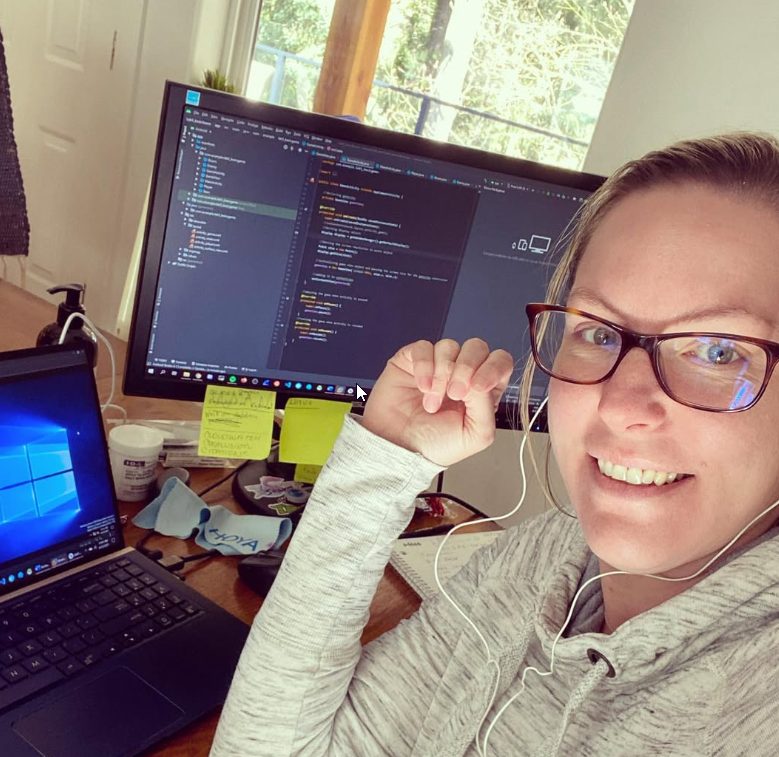
Amanda, Microsoft 365 specialist for South Island small businesses

Who this is for

  • Shops, studios, clinics, and home offices with roughly 1–20 people
  • Owners tired of “ask your cousin” or a monthly IT company that never shows up
  • Teams moving to Microsoft 365, cleaning up email, or fixing printers and Wi-Fi that kill the workday

What I do

Microsoft 365

  • New Microsoft 365 / business email setup
  • Mailbox migration (old host → M365)
  • Shared drives: OneDrive & SharePoint that staff actually use
  • MFA and basic security so accounts don’t get hijacked
  • Outlook, Teams, and “how do we share this folder?” training with a written cheat sheet
On-site

  • Office Wi-Fi and network check
  • Printers and shared devices
  • New PC / laptop setup for staff
  • Backup “set it and mostly forget it” recommendations

Packages

Small Business Essentials

$399

Up to 3.5 hours

  • Network and Wi-Fi assessment
  • Shared drives and cloud
  • Printer and device setup
  • Ask about Practical AI while I’m there
  • 30-day priority support
Book Essentials

Practical AI for Small Business

$449

Up to 2.5 hours

One workflow your shop will use this month (reviews, emails, product blurbs, or a staff prompt sheet) — not a science project.

Start with a $49 Meet

$49 Scoping Meet

$49

20 minutes

We map what’s broken, what M365 should look like, and which package fits. Payment holds the slot.

Book the Meet

After setup

M365 Care — keep it running, without a big IT contract

A full monthly IT company around Victoria often charges $100–$200 a person a month, with someone watching the systems after hours. I don’t sell that. Care is the lighter plan for a shop that already has Microsoft 365 set up and wants someone to call during the workday.

Includes

  • Monday–Friday, 9–5 Pacific
  • Microsoft 365 admin
  • Password and MFA help
  • Remote fixes
  • A monthly check-in
  • About 2 hours of remote support a month, or 4 tickets

Not included

  • 24/7 or after-hours monitoring
  • On-site visits — that’s Essentials, or a quoted visit
  • Mailbox migrations and bigger projects
  • Unlimited tickets

How it works

  1. 01

    Book the Meet or a package online

  2. 02

    I show up on-site (or remote when that’s faster) and fix / set up as we go

  3. 03

    You keep the cheat sheet and follow-up window so it doesn’t fall apart after an update

Why Valley Girl Tech

Versus a big IT company

  • You talk to me — not a ticket queue
  • M365-first, small-shop practical
  • Clear prepaid packages for South Island businesses
  • I explain like a person, not a help desk

Service area

Greater Victoria, Duncan, Cowichan, and nearby South Island. Outside that? Ask in the Meet.

FAQ

Do you only work with businesses?

This page and these Google ads are for business clients — shops and small offices.

Is this a monthly IT contract?

No. Essentials is a setup visit. M365 Care is the lighter monthly plan — business hours, remote, $119 a user with a $299 minimum. Not a 24/7 help desk.

What if we use more than the included support?

After about 2 remote hours in a month (or 4 tickets), it’s $120 an hour or another Essentials block. On-site visits are never unlimited inside Care.

Can you migrate us to Microsoft 365?

Yes — plan it in the Meet, then book the right time block.

Remote or on-site?

Both. Hardware, Wi-Fi, and printers are usually on-site; much of M365 can be remote.

Ready to make Microsoft 365 and office tech boring (in a good way)?